What Defines an Active Screen Time Activity?
Not all digital media affects developing minds the same way. Child development researchers evaluate screen activities along four fundamental criteria:
1. Agency and Control: The child directs the action through deliberate decision-making rather than being led by algorithmic auto-play prompts.
2. Generative Creation: The output is an artifact, model, calculation, or piece of writing produced by the child.
3. Causal Feedback Loops: The system provides clear cause-and-effect responses (e.g., altering a simulation variable changes the population trajectory).
4. Natural Stopping Milestones: The activity has structured mission conclusions rather than endless infinite feeds.
10 Best Active Screen Time Activities for Kids (Ranked by Category)
Here are 10 exceptional active digital activities categorized by learning domain, ideal for children ages 6 to 12:
Praxos Ecosystem 3D Simulation (Science & Ecology)
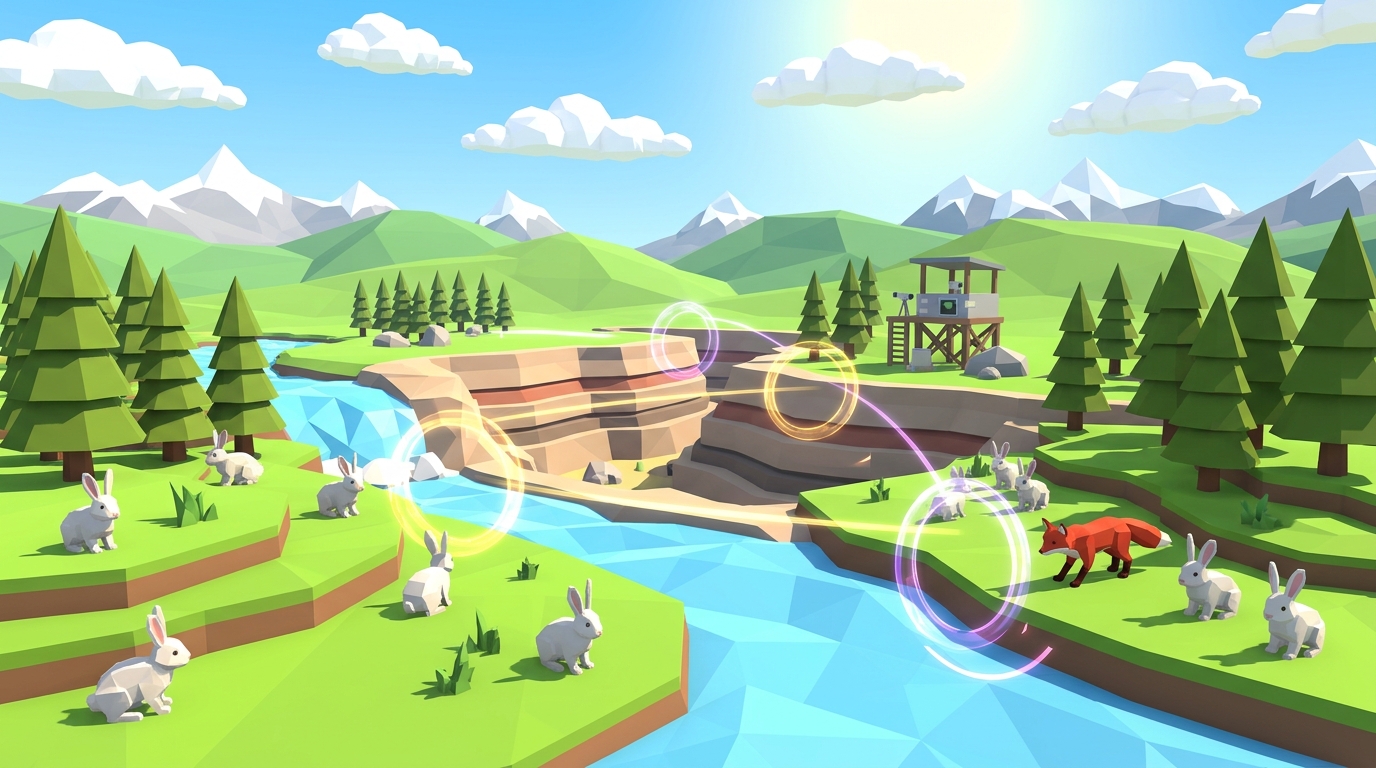
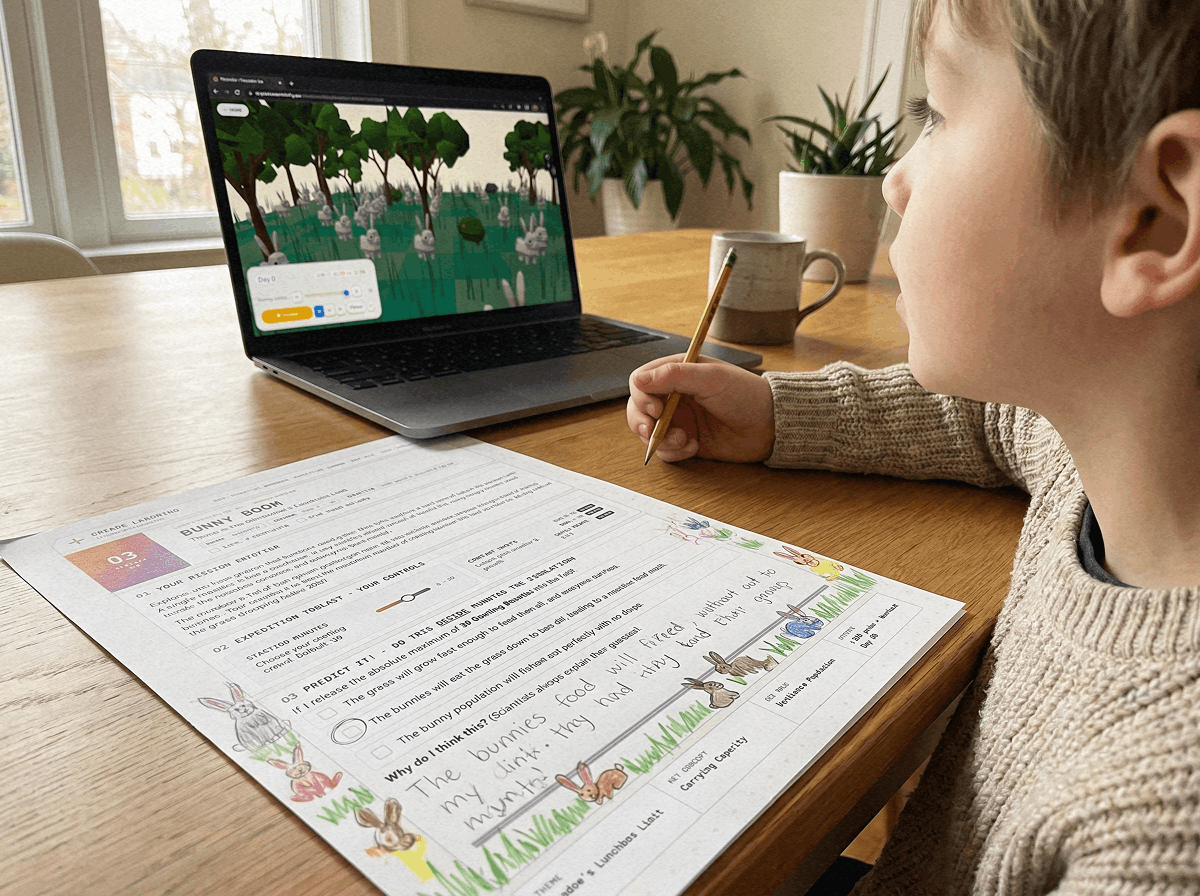
A browser-based, ad-free 3D ecology laboratory where students test predator-prey balance, carrying capacity, and seasonal shocks across 10 progressive missions. Ages 7-13. 100% free browser access.
MIT Scratch Block Programming (Computer Science)
Students snap code blocks together to build animated games, physics demonstrations, and creative stories. Develops algorithmic thinking and debugging skills. Ages 8-14. Free open-source tool.
Microsoft MakeCode Arcade (Retro Game Engineering)
Children design their own pixel-art retro video games while learning core computer science concepts such as loops, variables, and coordinate grids. Ages 8-13. Free online platform.
Autodesk Tinkercad (3D Spatial CAD Design)
An intuitive 3D modeling tool where kids combine geometric primitives to design buildings, mechanical parts, and space habitats. Enhances 3D spatial rotation abilities. Ages 7-14. Free tool.
Google Earth Voyager & Geospatial Mapping (Earth Science)
Interactive global expeditions that take kids through geological fault lines, rainforest canopies, and oceanic trenches with integrated scientific commentary. Ages 6-12. Free service.
Canva for Kids & Vector Art (Visual Communication)
Students create digital scientific posters, animal classification infographics, and illustrated storybooks. Builds design hierarchy and visual literacy. Ages 7-14. Free educational tier.
Stop Motion Studio (Cinematic Animation & Physics)
Kids use physical clay, LEGO figures, or paper cutouts to film frame-by-frame movies on a tablet, mastering pacing, lighting, and narrative sequencing. Ages 6-12. Free / low-cost app.
Chrome Music Lab (Acoustic Physics & Songwriting)
Visual experiments exploring sound waves, rhythm grids, harmonics, and arpeggios through playful tactile manipulation. Ages 5-11. 100% free Google experiment.
TypingClub & Keybr (Touch Typing & Muscle Memory)
Interactive gamified touch-typing lessons that build ergonomic typing speed and keyboard confidence for elementary students. Ages 7-12. Free educational software.
Twine Interactive Fiction (Creative Writing & Logic)
A visual tool for creating non-linear branching text adventures. Students write branching narratives with conditional variables and multiple story endings. Ages 9-14. Free open-source tool.
10 Active Screen Time Tools Comparison Matrix
Compare these 10 platforms by cognitive skill focus, recommended age band, cost, and active engagement rating:
| Tool Name | Core Learning Domain | Target Age | Cost / Access | Active Engagement |
|---|---|---|---|---|
| Praxos Ecosystem | Ecology, Systems Thinking, Biology | Ages 7 to 13 | 100% Free with email (demo instant) | Very High (100% interactive) |
| MIT Scratch | Computer Science, Computational Logic | Ages 8 to 14 | Free (Open Source) | Very High (creative creation) |
| MakeCode Arcade | Game Design, Boolean Logic | Ages 8 to 13 | Free (Web App) | High (project building) |
| Tinkercad | 3D Spatial CAD, Engineering Geometry | Ages 7 to 14 | Free (Web App) | High (spatial modeling) |
| Google Earth Voyager | Geology, Geography, Biome Exploration | Ages 6 to 12 | Free (Browser / App) | Medium (guided discovery) |
| Canva for Kids | Graphic Design, Science Infographics | Ages 7 to 14 | Free Educational Tier | High (visual synthesis) |
| Stop Motion Studio | Animation, Physical-Digital Bridge | Ages 6 to 12 | Free / $5 Full | Very High (hands-on craft) |
| Chrome Music Lab | Acoustics, Music Theory, Rhythm | Ages 5 to 11 | 100% Free | High (experimental audio) |
| TypingClub | Motor Skills, Ergonomics, Literacy | Ages 7 to 12 | Free with optional ad-free | High (skill practice) |
| Twine | Interactive Fiction, Branching Logic | Ages 9 to 14 | Free (Open Source) | Very High (literary logic) |
How to Integrate Active Screen Time into Your Weekly Routine
To make active digital learning a seamless part of your homeschool or after-school schedule:
1. Implement the Create-Before-Consume Rule: Allow passive recreation (shows, casual gaming) only after a 30-minute block of active creation (science modeling or coding) is completed.
2. Maintain a Dedicated Digital Portfolio Folder: Have your child save screenshots of their 3D ecosystem equilibriums, exported Scratch games, or CAD models in a shared digital binder to celebrate tangible progress.
3. Combine Digital Discovery with Offline Discussion: Ask your child to explain their project at dinner ("How did your food chain survive the drought?"). Talking about digital creations deepens memory retention by over 50%.
Frequently Asked Questions About Active Screen Time for Kids
What is the main difference between active and passive screen time?
How much active screen time is recommended for elementary students?
Can active screen time improve school performance in STEM subjects?
How do I stop my child from switching to YouTube during active screen time?
Where can I start with free active science screen time?
Start Meaningful Digital Science with Praxos Ecosystem
Give your learners screen time that builds deep scientific intuition and systems thinking.
All 10 simulation missions and the printable 24-page Expedition Science Journal are 100% free with email. Level 1 starts instantly in your web browser with zero registration or download required.
Put active screen time into practice with our free browser-based ecology lab.
LAUNCH FREE 3D LABPrintable Active Screen Time Activity Tracker
A 24-page science journal and student logbook with hands-on graphing sheets, variable isolation checklists, and self-assessment rubrics.