Why the Screen Time Conversation Is Shifting from Quantity to Quality
For over a decade, parents and educators have been told to monitor screen time with rigid stopwatch limits. However, modern developmental research from the American Psychological Association (APA) and the American Academy of Pediatrics (AAP) increasingly emphasizes a vital distinction: the cognitive impact of digital media depends far more on the nature of engagement than on raw screen duration.
There is a profound neurological difference between passively binge-watching algorithmic video feeds and actively manipulating variables inside a 3D ecological simulation. Passive screen consumption places the brain in a low-effort, high-dopamine receptive state, while active digital inquiry activates the prefrontal cortex, requiring spatial reasoning, hypothesis formulation, and continuous causal analysis.
10 Evidence-Based Reasons Why Screen Time Is Good for Kids
When digital media is designed for active exploration, creation, and problem solving, it offers distinct educational advantages that traditional static media cannot replicate:
Accelerates Hands-On Scientific Hypothesis Testing
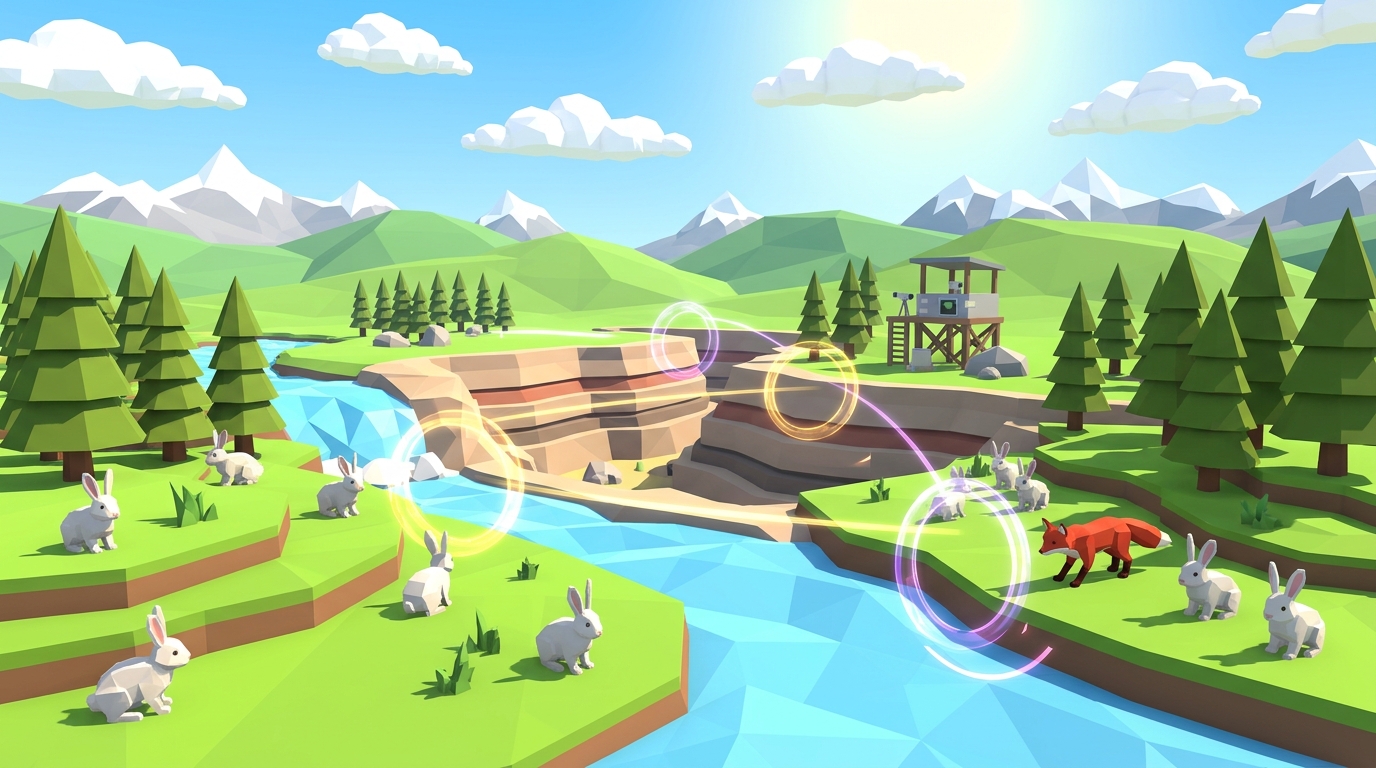
Digital laboratories allow students to test complex hypotheses in seconds rather than waiting months. In an interactive 3D ecosystem simulation, a child can adjust rainfall levels, introduce predator populations, and observe ecological equilibrium shifts in real time.
Builds Intuitive Spatial and Systems Thinking
Manipulating 3D virtual environments enhances mental rotation abilities and helps children visualize non-linear systems. Students grasp how feedback loops, carrying capacities, and trophic cascades operate through direct interaction.
Transforms Abstract Mathematics into Tangible Models
Concepts like exponential growth curves, carrying capacity plateaus, and population ratios become visible data graphs. Children see the immediate mathematical consequences of their choices rather than memorizing dry textbook formulas.
Teaches Resilience Through Safe, Low-Stakes Failure
In a digital simulation or coding project, a failed trial is not a bad grade; it is informative data. Children learn to debug their thinking, adjust parameters, and re-run experiments without anxiety or fear of mistakes.
Democratizes Access to Advanced Science Experiments
Virtual labs give every child access to sophisticated scientific phenomena: such as modeling apex predator reintroductions or molecular interactions: that are physically impossible or too costly to run in a home kitchen.
Enhances Fine Motor Coordination and Digital Fluency
Navigating 3D spatial viewports, adjusting precision parameter sliders, and interacting with analytical UI dashboards builds essential technical coordination required for modern STEM careers.
Fosters Autonomous, Self-Directed Curiosity
Unlike linear television, interactive digital sandboxes empower children to ask their own "what if?" questions and immediately pursue the answers through self-directed experimentation.
Bridges Virtual Exploration with Physical Paper Journaling
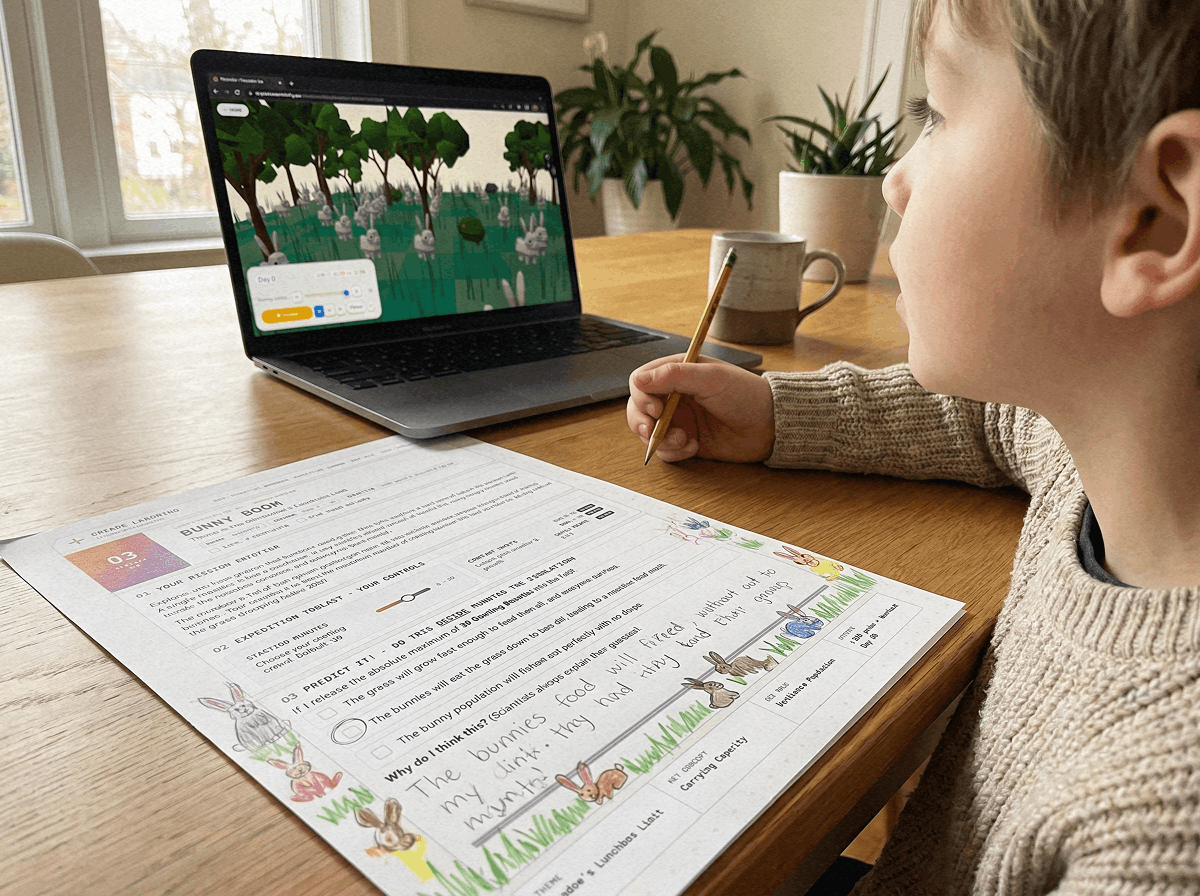
When paired with a tactile science journal, digital simulations become the experimental engine for handwritten data logging, manual coordinate graphing, and structured Claim-Evidence-Reasoning reflections.
Supports Diverse Learning Styles and Neurodivergent Focus
Visual, auditory, and kinesthetic learners thrive when abstract concepts are represented with interactive visual elements and immediate auditory feedback, providing dopamine-regulated engagement without overwhelm.
Prepares Students for Collaborative Digital Workspaces
Modern science, engineering, and technology rely heavily on computer simulations and computational models. Early familiarity with simulation tools builds foundational fluency in digital research methods.
Active Inquiry vs Passive Consumption: The Cognitive Comparison Matrix
To understand why screen time quality matters, compare how different media categories impact brain activation and learning retention:
| Media Category | Brain State | Dopamine Feedback | Learning Retention | Recommended Limit |
|---|---|---|---|---|
| Passive Consumption (Short Videos / TV) | Receptive, low prefrontal activation | Rapid, variable reward spikes | Low (rapid forgetting) | Under 30 to 60 min/day |
| Semi-Interactive Gaming (Action / Arcade) | High alertness, reactive reflexes | Continuous reward loop | Medium (motor/reflex specific) | Under 45 to 60 min/day |
| Active STEM Simulation & Modeling (Praxos) | Generative, analytical hypothesis testing | Intrinsic mastery satisfaction | High (deep conceptual transfer) | 60 to 90 min/day (productive) |
| Creative Production (Coding, Digital Art) | Executive planning, creative synthesis | Delayed milestone gratification | Very High (portfolio artifact) | Flexible based on project goals |
How to Structure Healthy Screen Time: The 30-Minute Screen Rule
Rather than imposing adversarial blanket bans, successful homeschool parents and educators use the 30-Minute Screen Rule to maximize cognitive benefit:
1. Pencil-First Prediction (5 to 10 Minutes): Before turning on any device, the student writes down their experimental question and predicts the outcome in their physical paper notebook.
2. Active Digital Trial (15 to 20 Minutes): The student launches the 3D simulation or digital workspace to test their hypothesis, isolating one variable at a time.
3. Offline Reflection and Graphing (5 to 10 Minutes): The screen is closed, and the student sketches their final population graph and writes a 2-sentence conclusion in their physical journal.
This routine grounds digital engagement in physical reality, preventing screen-induced emotional fatigue while deepening conceptual retention.
If you want to reduce mindless screen battles, do not simply take away devices. Replace low-yield video watching with high-agency 3D science simulations and tactile paper journals.
Frequently Asked Questions About Screen Time and Child Development
What are 10 reasons why screen time is good for kids?
Is 9 hours of screen time bad for a child?
Is 4 hours of screen time good or acceptable for kids?
Why should parents not limit screen time completely?
How do you distinguish active screen time from passive screen time?
Launch Free 3D Science Lab & Download Student Journal
Experience the cognitive benefits of active screen time firsthand. All 10 simulation missions and the 24-page printable Expedition Science Journal are 100% free with email.
Level 1 launches immediately in your web browser with zero account registration or software installation required.
Put active screen time into practice with our interactive browser-based ecology sandbox.
LAUNCH FREE 3D LABPrintable Science Journal & Screen Time Tracker
A 24-page student lab notebook featuring pencil-first hypothesis sheets, graphing templates, and a healthy digital habits family agreement.