The Great Screen Dilemma: Why Strict Bans Often Fail
Many parents find themselves trapped in an exhausting cycle: witnessing their child spend hours in a trance-like state playing repetitive mobile games, enforcing a sudden screen shutdown, and weathering an intense emotional meltdown. The instinctive reaction is often to declare a total household screen ban, but in a world driven by technology, complete isolation rarely builds long-term digital literacy.
The core problem is not the physical glass screen; it is the algorithmic design of commercial entertainment apps. Mobile games engineered around slot-machine reward loops (flashing jewels, continuous coin counters, and artificial countdown timers) flood the developing brain with rapid dopamine spikes without demanding meaningful cognitive effort.
The true solution is not total deprivation, but strategic replacement: swapping low-agency, dopamine-heavy entertainment for active, goal-oriented scientific simulations and creative design workspaces.
Active Simulation vs Mindless Consumption: The Cognitive Contrast Matrix
To evaluate whether a digital activity serves your child developmental growth, examine how different media types engage brain function and emotional regulation:
| Dimension | Mindless Mobile Games / Video Feeds | Active 3D Science Simulations (Praxos) |
|---|---|---|
| Child Cognitive Role | Passive reactor responding to flashing visual cues | Active scientist testing hypotheses & adjusting variables |
| Dopamine Loop Mechanism | Short, random reward spikes with zero natural stopping points | Earned satisfaction from resolving complex ecological balances |
| Prefrontal Cortex Activation | Suppressed: low analytical reasoning or spatial planning | Highly engaged: spatial modeling, feedback loop analysis, logic |
| Transition / Shutoff Behavior | High irritability, dysregulation, and tantrums | Calm transition, especially when paired with physical notebooks |
| Educational Artifact Created | Zero lasting knowledge or tangible portfolio work | Complete handwritten lab data, population graphs, and CER notes |
5 High-Yield Healthy Screen Time Alternatives for Ages 6 to 12
When looking for productive digital activities that foster genuine intellect and creativity, these five categories offer exceptional developmental returns:
Interactive 3D Science & Ecology Simulations (Praxos Ecosystem)
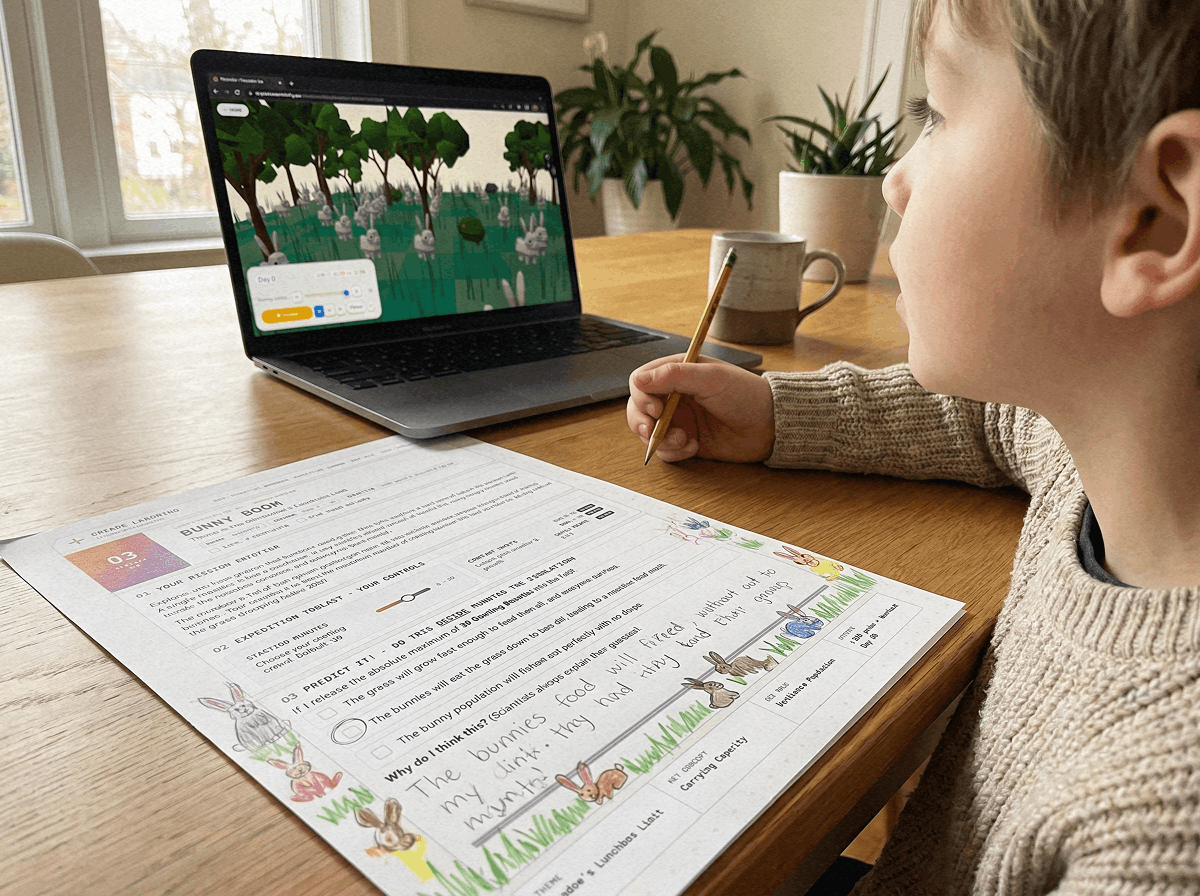
Rather than reading about food webs in a static textbook, children manipulate solar radiation, rainfall, and predator-prey ratios in a 3D WebGL laboratory. They observe dynamic equilibrium and carrying capacity in real time, turning abstract biological principles into concrete visual data.
Visual Block-Based Coding & Game Design (Scratch & MakeCode)
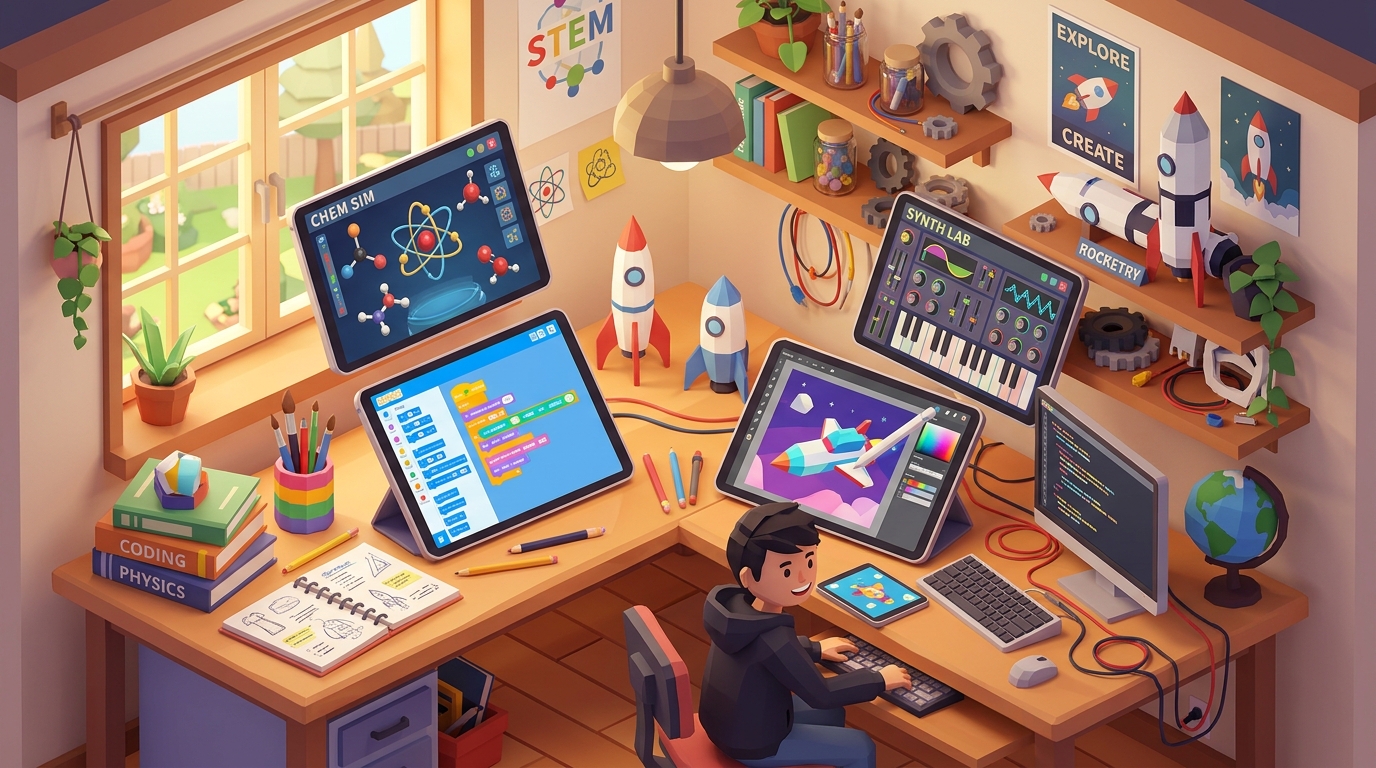
Platforms like MIT Scratch allow children ages 8 to 12 to program animated interactive stories, physics puzzles, and computational algorithms. Coding transforms screen time from media consumption into generative software engineering.
Digital Spatial Illustration & CAD Modeling (Tinkercad & Canva)
Elementary and middle school students can learn 3D spatial geometry by building models in Tinkercad or crafting digital field guides in Canva. These tools cultivate proportional reasoning and aesthetic precision.
Virtual Observatories & Geospatial Exploration (NASA Eyes & Google Earth)
Explore planetary orbits, asteroid trajectories, and geographical terrain worldwide. Children navigate real-world scientific datasets, observing atmospheric patterns and tectonic structures interactively.
Interactive Branching Storytelling (Twine)
Young writers construct choose-your-own-adventure narratives using conditional logic and narrative branching. This builds complex narrative comprehension and introductory boolean logic.
Age-Specific Guidance for 7 and 8-Year-Olds
Children in 2nd and 3rd grade (ages 7 and 8) are particularly vulnerable to overstimulation from high-frame-rate commercial entertainment. At this developmental milestone, their executive functioning is still forming, making self-regulation during open-ended video scrolling nearly impossible.
For 7 and 8-year-olds, enforce a structured 30 to 45-minute daily window dedicated exclusively to goal-oriented educational tools. Co-playing for the first 10 minutes (asking prompt questions like "Why did the rabbit population peak on Day 15?") grounds their focus and increases conceptual understanding by over 40%.
The 10-10-10 Daily Science Routine: A Turn-Key Framework
Integrate healthy digital learning into your homeschool or afternoon routine without chaos using the 10-10-10 rule:
1. The 10-Minute Paper Prediction: Before touching the device, the student writes their testable hypothesis in a physical notebook (e.g., "If I reduce rainfall by 50%, the meadow grass will crash before Day 30").
2. The 10-Minute 3D Simulation Trial: The student opens the 3D lab, runs the trial, and observes the population response without distracting popups or ads.
3. The 10-Minute Offline Reflection: The laptop is closed. The student graphs the final equilibrium curve and writes a 2-sentence conclusion in their lab log.
Pairing physical paper with interactive 3D simulations eliminates screen trance, reinforces fine motor writing skills, and creates permanent artifacts for your student learning portfolio.
Frequently Asked Questions About Healthy Screen Time Alternatives
What qualifies as a healthy screen time alternative for kids?
How do active screen time activities prevent behavioral meltdowns?
How much educational screen time is appropriate for 8 to 12-year-olds?
Can 3D science simulations replace hands-on kitchen experiments?
Is block coding considered active screen time?
Launch Free 3D Science Lab & Download Student Journal
Put healthy screen time alternatives into practice today with Praxos Ecosystem.
All 10 simulation missions and the printable 24-page Expedition Science Journal are 100% free with email. Level 1 starts instantly in your web browser with zero registration or download.
Model food chains, carrying capacity, and ecological balance in our free browser sandbox.
LAUNCH FREE 3D LABPrintable Family Screen-Time Balance Guide & Lab Notebook
A 24-page student lab journal with physical prediction sheets, coordinate graphing charts, and a calm family screen contract.