Why Carrying Capacity Is Best Learned by Experimenting, Not Memorizing
In traditional science textbooks, carrying capacity is often introduced as a static curve on a graph: a smooth line that climbs upward and levels off at a dotted line labeled K. Students copy the graph into their notebooks, memorize that K means maximum population size, and move on.
For kids ages 7 to 12, a static diagram rarely builds genuine intuition. Kids cannot feel what happens when a rabbit population doubles, triples, and consumes grass faster than the land can regrow it. They never have to make a choice about when to add vegetation, introduce predators, or allow natural balancing to take place.
This free carrying capacity simulation changes that completely. Kids take direct control of the living environment: setting starting animal populations, adjusting plant growth, and watching population boom-and-bust cycles unfold in real time. The concept transforms from an abstract vocabulary word into an unforgettable living experiment.
Level 3 (Bunny Boom) starts instantly in your browser. Watch rabbit populations overshoot grass supply and rebalance. All 10 levels are 100% free with your email.
LAUNCH FREE SIMULATIONHow the Praxos Carrying Capacity Simulation Works for Kids
The Praxos Ecosystem simulation is a real-time 3D sandbox that runs directly in any modern web browser on Chromebooks, tablets, laptops, and desktop computers. Level 3 (Bunny Boom) focuses specifically on carrying capacity and resource limitations.
What kids control in Level 3: Starting grass biomass density across the landscape (sparse, moderate, or lush vegetation). Starting rabbit colony size (small family, medium warren, or large swarm). Predation balance (observing rabbit growth alone vs. introducing natural predators).
What kids observe: The exponential growth stage, where rabbits multiply rapidly while grass remains plentiful. The overshoot event, where the expanding rabbit population consumes grass faster than it can regenerate, creating visible patches of dry, depleted terrain. The correction, where food scarcity naturally limits the population, visualized by the live real-time population graph below the 3D world.
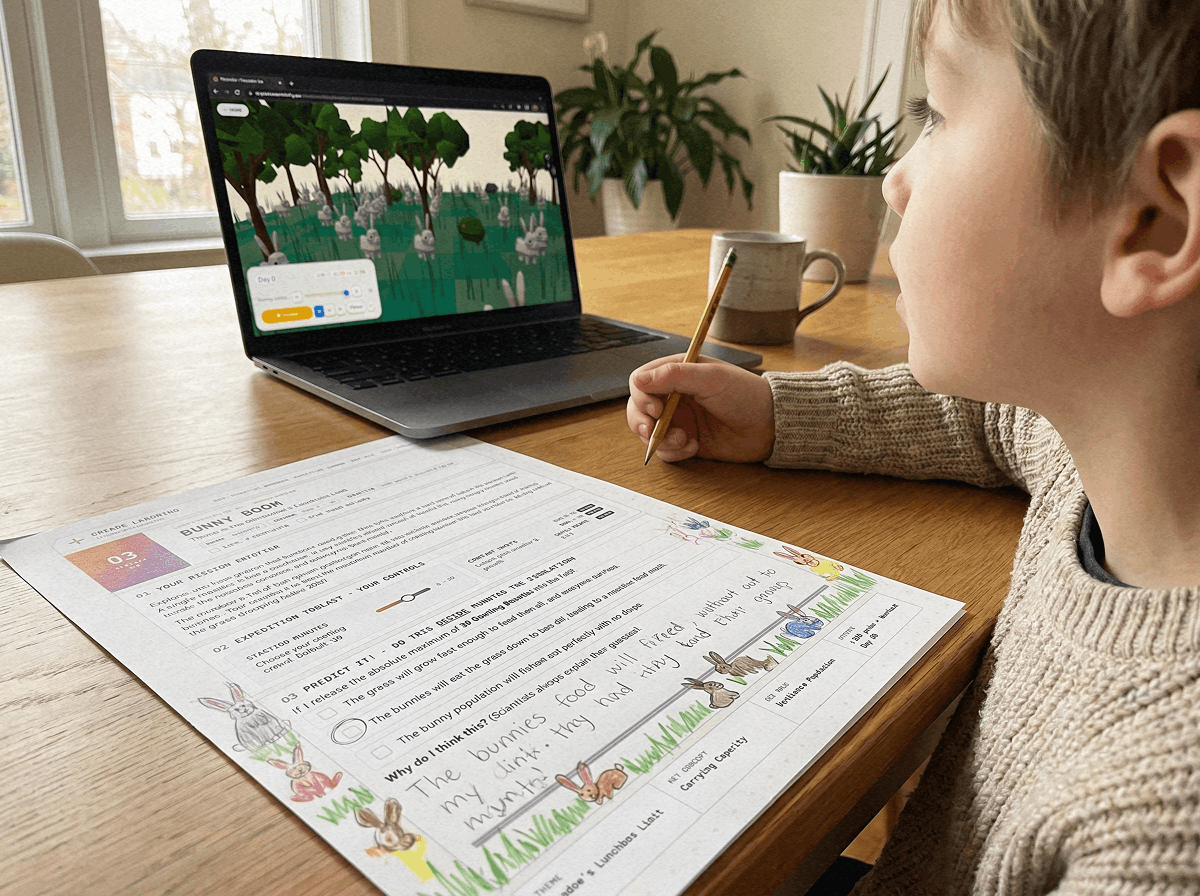
What kids record in their printed lab journal: Population counts at regular simulation intervals (ticks 10, 20, 30, 40, and 50). The exact moment overpopulation occurred. The cause of the population drop. A written Claim-Evidence-Reasoning (CER) conclusion explaining how resource limits protect ecosystems.
This free simulation directly addresses key science learning goals across grades 3 through 7 (NGSS 5-LS2-1, MS-LS2-1, and MS-LS2-4) by giving kids hands-on evidence of how living things depend on limited resources.
Carrying Capacity Learning Methods Compared
Here is an honest comparison of different ways to teach carrying capacity to kids ages 7 to 12, comparing time requirements, student engagement, and data depth:
| Teaching Method | Time Required | Engagement Level | Data Quality | Cost |
|---|---|---|---|---|
| Textbook diagram and reading | 15-20 minutes | Low (passive reading) | None (predetermined graphs) | Textbook cost |
| Bean or dice paper game | 45-60 minutes | Moderate (hands-on but slow) | Inconsistent (manual counting errors) | Low (materials needed) |
| Flash-style 2D online simulations | 30-45 minutes | Moderate (dated 2D interface) | Good (digital graphs) | Free |
| 100% FREEPraxos 3D Carrying Capacity Simulation | 20 min sandbox + 15 min journal | Very High (interactive 3D, instant visual feedback) | Quantitative (live population tick curves) | Free (all 10 levels + journal) |
30 to 45-Minute Lesson Plan & Home Lab: Bunny Boom Activity
Whether you are teaching a classroom of 30 students or guiding your child at home, this activity fits into a single flexible science session. It works seamlessly on school Chromebook carts, family iPads, or home computers with zero setup required.
Phase 1: Pre-Lab Prediction (10 minutes). Print the free 24-page CER lab journal. Have kids look at the Bunny Boom mission page and write their initial prediction: "If I start with many rabbits and low grass, I predict the population will peak quickly and drop because _____." Kids can sketch their expected population curve on the included graph grid.
Phase 2: Interactive Simulation Trials (20 minutes). Kids run three experimental trials, changing one starting condition each time: Trial A (moderate grass, small rabbit family), Trial B (lush grass, small rabbit family), and Trial C (moderate grass, large rabbit swarm). Kids record population counts at ticks 10, 20, 30, 40, and 50 in their data table.
Phase 3: CER Written Synthesis & Discussion (10-15 minutes). Kids complete a short Claim-Evidence-Reasoning response. Claim: Which trial reached the highest population? Evidence: Specific numbers from their data table. Reasoning: Why did that trial behave differently? What happens in real nature when animal populations get too large for their habitat?
Real-World Connection: Connect the simulation to real examples kids find fascinating, such as white-tailed deer populations in suburban neighborhoods, sea otters in kelp forests, or rabbit populations in Australia.
Curriculum Standards & Age Adaptability (Ages 7-12 / Grades 3-7)
This free carrying capacity simulation is adaptable across elementary and middle school age groups, supporting key science standards:
Grades 3 to 5 (Ages 7-10 / NGSS 5-LS2-1): Focus on the fundamentals of food chains, plant energy, and what animals need to survive. Kids observe how plant growth supports herbivores and what happens when food runs short.
Grades 6 to 7 (Ages 11-12 / NGSS MS-LS2-1 & MS-LS2-4): Focus on data collection, variable testing, and evidence-based argumentation. Students analyze population numbers, identify carrying capacity thresholds (K), and write formal CER explanations.
Level 1 (Solar Spark) starts instantly in any web browser with zero registration, no software downloads, and no credit card required. All 10 levels and the full 24-page printable science journal are 100% free with email.
Frequently Asked Questions From Parents & Science Teachers
Helpful answers for parents, homeschoolers, and educators exploring the Bunny Boom simulation.
Is this simulation suitable for an 8 or 9 year old (3rd or 4th grader)?
Can students run this simulation on school Chromebooks or tablets?
Does this simulation require student accounts or logins?
How does carrying capacity connect to food chains and predator-prey relationships?
Can I use this for homeschool science lessons?
How many students can use this simulation at the same time?
Free Ecology & Science Resources to Pair With This Simulation
Deepen your ecology study with these complementary free science guides:
The carrying capacity lesson plan for kids provides an introductory reading article explaining habitat limits, food availability, and real-world conservation examples.
The food web vs food chain guide helps kids understand how multiple interconnected species balance each other in natural ecosystems.
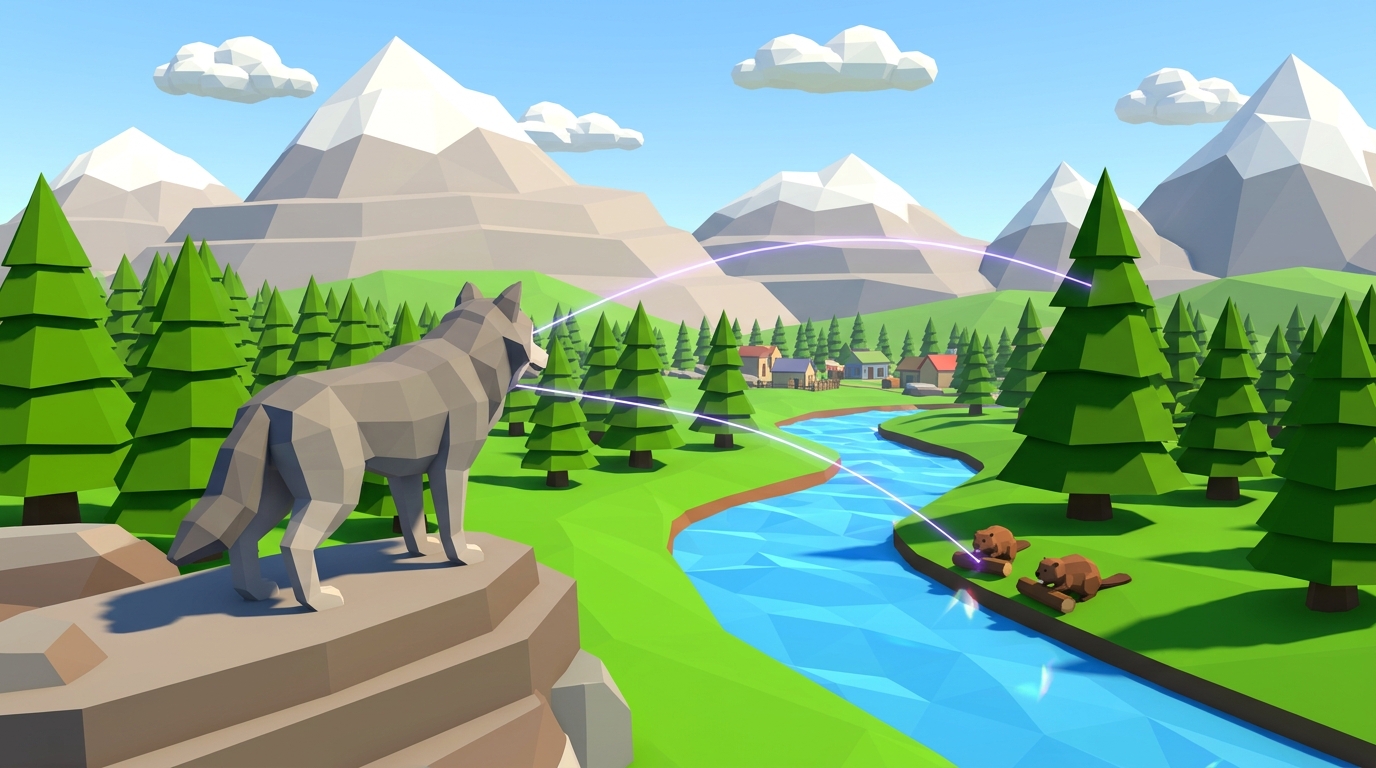
The trophic cascades explained for kids article explores how top predators like wolves protect vegetation and entire rivers, bridging Level 3 directly into Level 4.
All resources are ad-free and include printable activities designed for home and classroom exploration.
Get the complete printable science journal with carrying capacity prediction pages, population data tables, and CER written prompts. Formatted for easy black-and-white printing.
GET FREE LAB JOURNAL24-Page Expedition Science Journal
A printable CER lab logbook with population prediction sheets, data tick tables, and reflection prompts designed for kids ages 7-12 to use side by side with the simulation.